GPT Image 2.5 Sunburst and Flare were announced on 8 September 2026, according to the changelog, and the image guide explains how to generate and edit images with them. In my use, Flare suits quick exploration of ideas, while Sunburst is better for quality and precise editing. I chose Sunburst for this blog's covers because the priority was consistency across the set, not generation speed. For me, work on an article's image starts with deciding what it should explain, then choosing a style consistent with the site, and reviewing the result where it will actually be displayed.
An idea you can see
Administrative and technical subjects can be abstract, so I look for a simple visual metaphor. An application moving between stages can be shown as a path linking gateways, knowledge as documents connected to a clear structure, and a digital twin as two models facing each other. The image stays useful when it helps readers remember the idea without claiming to depict the system literally.
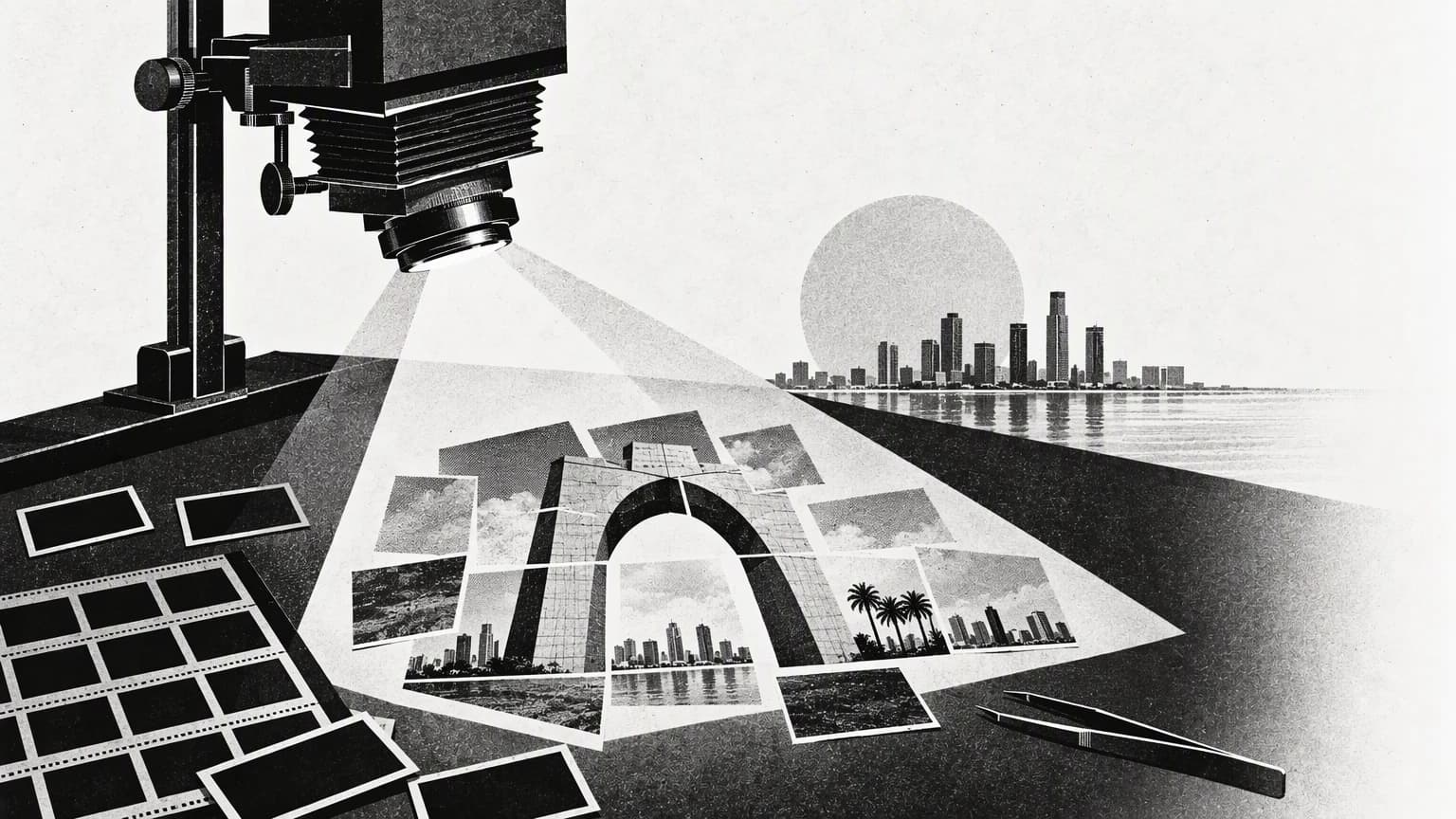
Each article in this blog's first batch has its own cover, part of a set of twenty images generated with Azure GPT Image 2.5 Sunburst. The idea behind each cover draws on the article's content and sources, and the set shares a visual language inspired by 1960s print: black-and-white collage, halftone dots and the texture of printed paper. They are conceptual editorial illustrations, and a caption saying so has been added below each cover so that they are not mistaken for photographs of real meetings or worksites.
Describing the image is part of the design
A generation prompt should, in my view, specify the subject, materials, lighting, composition and colours, as well as the space needed for cropping. When no text is needed in the image, it helps to exclude text and logos. The article title stays as text on the page, so it remains legible, accessible and easy to change.
To keep the set consistent, the first cover was used as a style reference when generating the rest, with the central element changed each time to suit the article's subject. That keeps the texture, lighting and tones constant, and leaves the idea itself to set each cover apart.
Review after generation
- Check the composition, any illogical details and any unwanted text.
- Test the crop on the article card, on the large cover and on a phone.
- Choose a file format and size suited to loading, while keeping the original.
- Write alt text that describes the image, and say that it is generated where that helps the reader.
Consistency across a set of images matters more to me than a wealth of detail in any single one. Repeated textures, lighting and colour link the articles visually, while a different central element lets each subject stand out. Generation then becomes part of an editorial and design process that can be reviewed, taking its natural place alongside the text, the sources and the reading experience.